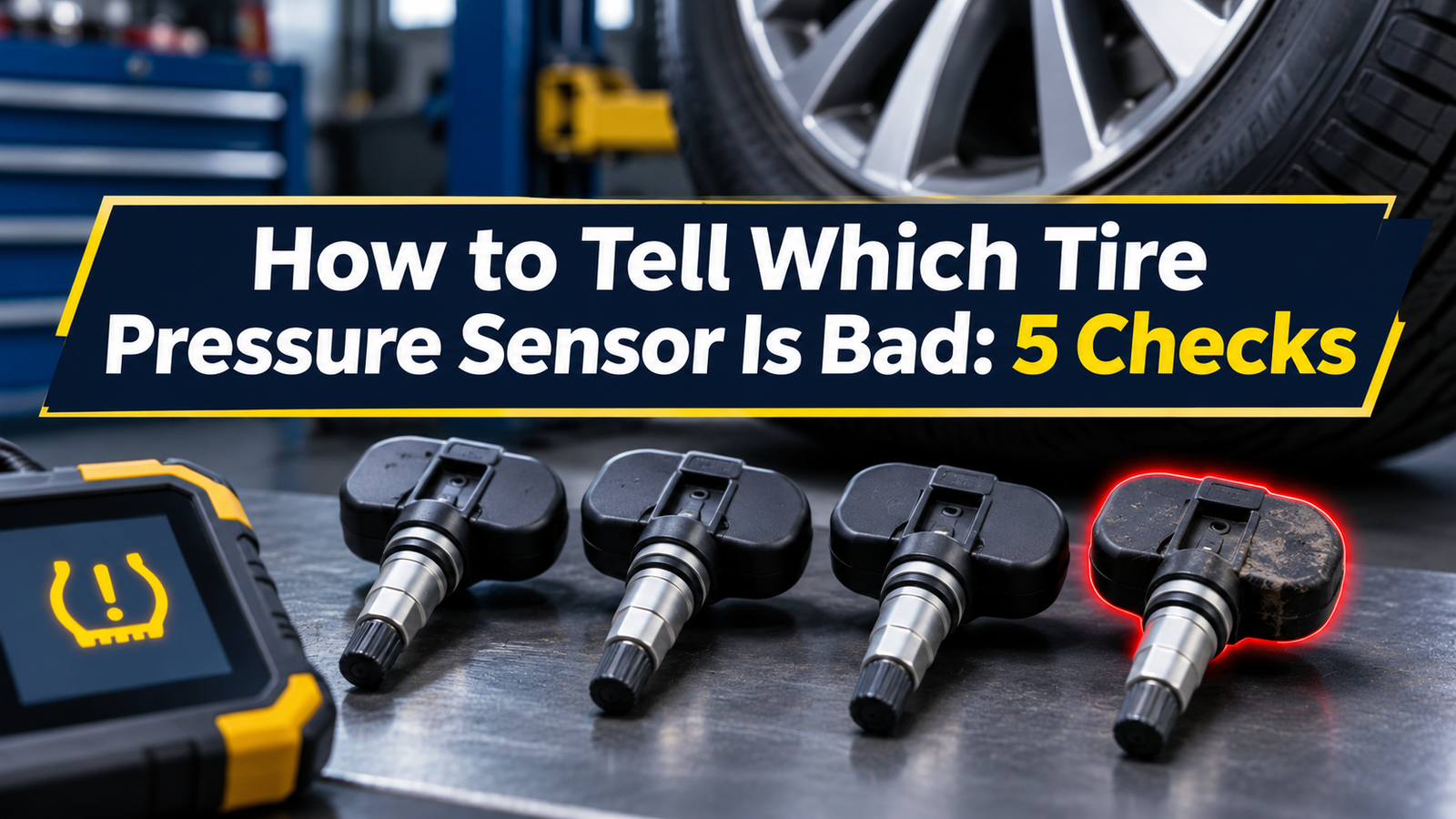
How to Tell Which Tire Pressure Sensor Is Bad: 5 Checks
To tell which tire pressure sensor is bad, check all four tires with a handheld gauge, then have each wheel scanned with a compatible TPMS tool. If one sensor repeatedly fails to respond while the others work, that wheel is the place to investigate. A blank dashboard reading can narrow the search, especially if the wheels haven’t been rotated or swapped.
If one tire reads low on your gauge, start with the tire and check for a leak. If the gauge shows the correct pressure but the dash keeps showing dashes, ask a shop to scan all four wheels and check which sensor IDs the car has stored. That helps you tell a failed sensor from a missing or incomplete relearn.
If I wanted to know how to tell which tire pressure sensor is bad, I’d write down two things before buying a part. First, I’d note the cold pressure at each wheel. Then I’d record what the dash shows and when the warning began. Those checks can save you from replacing a sensor that was working all along.
If a tire looks flat, has a bulge or deep cut, or loses air fast, pull over as soon as you can safely do so. Use a suitable spare if you can install it safely, or call roadside assistance. Wait until the tires are safe before attempting any drive to update or relearn the sensors.
How to Tell Which Tire Pressure Sensor Is Bad
A dashboard that shows a pressure for each wheel can give you a clue. If three readings appear and one stays blank, start with that corner. If the tires were recently rotated, though, the car may still show a sensor under its old wheel position. A scan at each physical wheel helps you identify where the sensor is now.
Some cars only show a tire pressure light. That light can tell you there’s a problem, but it may give you no way to pick out one wheel. A shop can scan each wheel on a car with direct TPMS. If the vehicle uses indirect TPMS, the shop needs a different diagnostic path because that system has no dedicated pressure sensors inside the tires.
| What you notice | What it may mean | What I’d check next |
|---|---|---|
| One tire reads low on a gauge | The tire may have lost air, and the sensor may be reporting it correctly. | Check for damage and have the tire inspected if its pressure keeps dropping. |
| One dash reading stays blank, but gauge pressure is correct | The car may be missing a signal or looking for a sensor ID it can’t find. | Scan all four road wheels. Mention any recent tire or wheel work. |
| The light flashes at startup and then stays on | The monitoring system may have a fault. | Check pressure by hand and arrange a TPMS inspection. The light pattern alone can’t identify a wheel. |
| The warning began just after a rotation | The car may need to match sensors to their new positions. | Ask the shop to compare the physical wheel positions with the positions stored in the car. |
| The warning began after a winter wheel swap | The other set may use different, incompatible, or missing sensors. | Check the installed sensors and the vehicle’s relearn requirements before buying parts. |
According to NHTSA’s TireWise guide, a TPMS light that flashes for roughly 60 to 90 seconds and then stays on can point to a system fault. The pattern can repeat at startup until the issue is fixed. Check your manual if the light blinks briefly during a procedure, since some cars use a brief blink to confirm calibration has started.
Check Whether Your Car Has Direct or Indirect TPMS
Direct TPMS uses sensors in the wheels
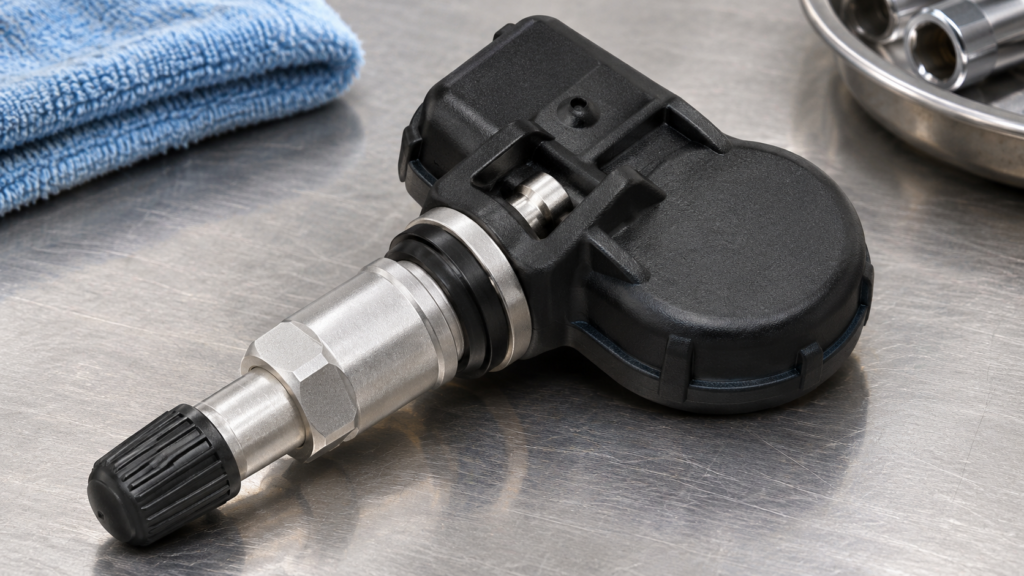
Direct TPMS measures air pressure with a sensor inside each monitored wheel. The sensor sends its reading and its ID to the car. The ID works like a name tag. It helps the car tell signals from its own wheels apart and, on some models, place each reading in the right spot on the dash.
The sensor often sits behind the valve stem. Some vehicles use a band-mounted sensor inside the rim. A metal or rubber valve stem alone gives you limited information. If you want to see where the part sits, read our guide to where the tire pressure sensor is located.
Indirect TPMS uses wheel-speed data
An indirect system uses signals such as wheel speed to spot changes linked to low pressure. If your car has this type of system, start with the cold pressures and the calibration steps in your manual. If the warning comes back after those checks, a shop can diagnose the system your car actually uses. Honda’s TPMS service guide explains how this works on covered Honda models.
Individual PSI readings on the dash are a strong clue that your car uses direct TPMS. Some direct systems only show a warning light. Use your owner’s manual or ask a shop to confirm the system type when the dash gives you little detail.
Five Steps to Find a Bad TPMS Sensor
Park somewhere safe. Check the tires before driving or after the car has been parked for at least three hours. Use the PSI on the driver’s door label or in the owner’s manual. The front and rear targets may differ. Write down each reading by the wheel’s actual position.
If one tire is low and safe to inflate, bring it to the listed pressure. Check it again when cold. If the same tire drops while the others stay near their targets, investigate the air loss. Our slow tire leak guide explains why the tire, valve, and wheel seal are all worth checking.
While parked, take a photo of the dash. Note whether it shows dashes, a service message, or a flashing light. Think back to when it started. A warning that appeared right after new wheels went on gives the shop a different lead than one that started during a normal week of driving.
Keep the receipt from recent work. It may list a new sensor, a valve service kit, a tire rotation, or a wheel swap. Those details help the tech decide whether to check for a part mismatch, a leak, or a missed relearn.
A compatible TPMS tool can often trigger a sensor and read its response while the tire is still on the wheel. The tool must support your vehicle and its sensors. Ask the tech to record what the tool reads at each physical wheel, including the sensor ID and any battery status the tool can report.
If one wheel gives no response, verify the tool setup and repeat the check for that wheel. A dead sensor battery is one possibility. A missing sensor, an incompatible part, or the wrong tool setting can also leave the tool with no reading. If none of the wheels respond, confirm the system type and tool compatibility before drawing a conclusion.
If the tool reads all four sensors, ask the shop to check whether the car recognizes those IDs. A newly installed sensor may respond to the tool while the car still listens for the old one. A recent rotation can also leave readings tied to the wrong positions on some vehicles.
The shop may need to run a relearn or check the vehicle for fault codes. If your manual calls for a reset after correcting pressures, see our tire pressure light reset guide and follow the steps for your exact model.
Once the shop fixes the problem, ask how your car confirms a successful repair. Some displays need a drive before they refresh. If your dash shows individual pressures, check that each reading appears and matches the correct wheel position. A dash reading and a gauge reading may differ if you took them at different times or tire temperatures.
If the warning returns, tell the shop whether it happened at startup, after a drive, or when the car sat overnight. If one tire is low again on a cold gauge check, ask for a leak inspection as well as a review of the sensor work.
Schrader’s TPMS service guidance recommends testing each installed sensor and explains the difference between programming a sensor and teaching the vehicle its ID. Those are separate checks when troubleshooting a new part.
How to Read the TPMS Scan Results
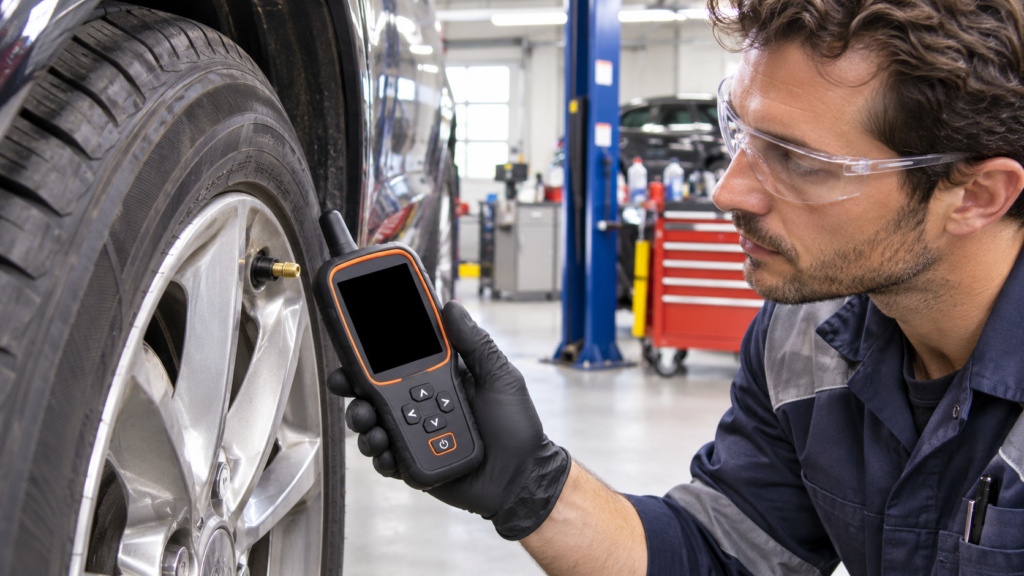
A wheel scan asks whether the sensor can answer the tool at that moment. A vehicle-side check can help show whether the car has stored the right IDs or reported a fault. Ask for both checks if the scan results and the dash warning seem to disagree.
| Scan result | What it tells you | What to confirm |
|---|---|---|
| One sensor repeatedly gives no response | The problem may be at that wheel if the other sensors respond. | Verify the tool setting and check for a missing, failed, or incompatible sensor. |
| A sensor reports a low battery | That sensor is a candidate for replacement. | Confirm the wheel position and the right replacement part for the vehicle. |
| All sensors respond, but the car shows one blank | The car may have an old ID stored or trouble receiving the signal. | Compare stored and scanned IDs and check any codes or relearn steps. |
| All sensors respond, but the dash shows the wrong corner | The stored wheel positions may be out of date. | Check the model’s position matching procedure, especially after a rotation. |
| The sensor and gauge both show low pressure at the same tire | The warning may reflect real air loss. | Find the leak if pressure keeps dropping. The tire may need service even with a good sensor. |
Three Examples From a Tire Shop Visit
One tire is low every time you check
Say you add air to the right rear tire and the warning goes away. Two days later, the same tire reads low on your gauge. I’d ask for a leak check first. The shop can look for a nail, a valve leak, or a leak where the tire meets the rim. If the sensor keeps giving a reading that agrees with the gauge, that supports checking for air loss first.
The dash shows dashes after a rotation
Say the dash labels the left front wheel as missing, but all four cold gauge readings are on target. The car had a rotation that morning. I’d tell the tech about the rotation before pointing to the left front wheel. The scan can show if a sensor is silent at its new spot or if the car just needs to update its wheel positions.
One sensor stays silent and the tires hold air
Say there’s been no recent wheel work and the pressures stay on target. The tech scans all four wheels twice with a compatible tool. Three sensors respond, but the right front stays silent. Once the shop confirms a correct sensor is fitted there, that result gives it a reason to inspect or replace the right front sensor. Ask whether the new part will need programming or a relearn after installation.
Ask for the scan results by wheel position before approving parts. “Right front gave no response, the other three responded” is more useful than “the tire light is on.” Save that result with your receipt in case the warning returns.
Common Mistakes That Make the Diagnosis Harder
- Buying a sensor because the warning is on. Check all four cold pressures first. The warning may be doing its job.
- Taking the dashboard corner at face value after a rotation. Ask for a scan at the actual wheel and confirm how the car tracks positions.
- Calling a sensor dead after one scan. Verify tool compatibility and repeat the check before buying a replacement.
- Assuming a relearn will solve every warning. A relearn can help a car recognize the right sensor IDs. A pressure leak or a failed part still needs service.
- Replacing the full set without checking each wheel. Ask which sensors responded, which reported a battery issue, and what each replacement would cost. Use those results to decide how much work makes sense.
Key Takeaways
- Measure all four tires cold before blaming a sensor.
- On direct TPMS, scan every wheel and compare the sensor IDs with the ones stored in the vehicle.
- One silent sensor is a strong clue after you rule out tool setup, missing hardware, and a part mismatch.
- Recent tire work and the exact warning pattern help the shop find the cause faster.
Frequently Asked Questions
How can I tell which tire pressure sensor is bad without a scan tool?
Check all four tires with a gauge. A dash reading that stays blank can give you a starting point. A shop can confirm the physical wheel and check the sensor before you buy a part.
Does a flashing TPMS light tell me which sensor is bad?
A light that flashes at startup and then stays on can point to a system fault. Scan the wheels and check the vehicle’s fault information to narrow down the cause.
Can a tire shop scan a TPMS sensor without removing the tire?
Often, yes. A compatible tool can trigger and read many direct sensors while the tire is still mounted. A shop may need to remove the tire to inspect or replace the part.
Why does a new TPMS sensor respond to a tool but still show dashes on the dash?
The vehicle may still have the old sensor ID stored, or the new sensor may be incompatible. Ask the installer to verify the sensor and check whether the vehicle needs a relearn.
Can I replace just one bad tire pressure sensor?
Often, yes. Ask the shop to scan the other sensors and confirm that a compatible replacement can be programmed or relearned as required by your vehicle.
Can a leaking valve make a good TPMS sensor look bad?
Yes. A working sensor can report low pressure caused by a valve leak. If a handheld gauge confirms that the tire keeps losing air, ask the shop to locate the leak.
Ask for a Wheel-by-Wheel Check Before Buying Parts
I’d bring the shop my four cold pressure readings, a photo of the dash, and the date of any recent tire work. For direct TPMS, I’d ask which sensors respond at their actual wheel positions and whether those IDs match what the car has stored. That gives you a clear reason to fix a leak, do a relearn, or replace a specific sensor.