What Does Service Tire Monitor System Mean?
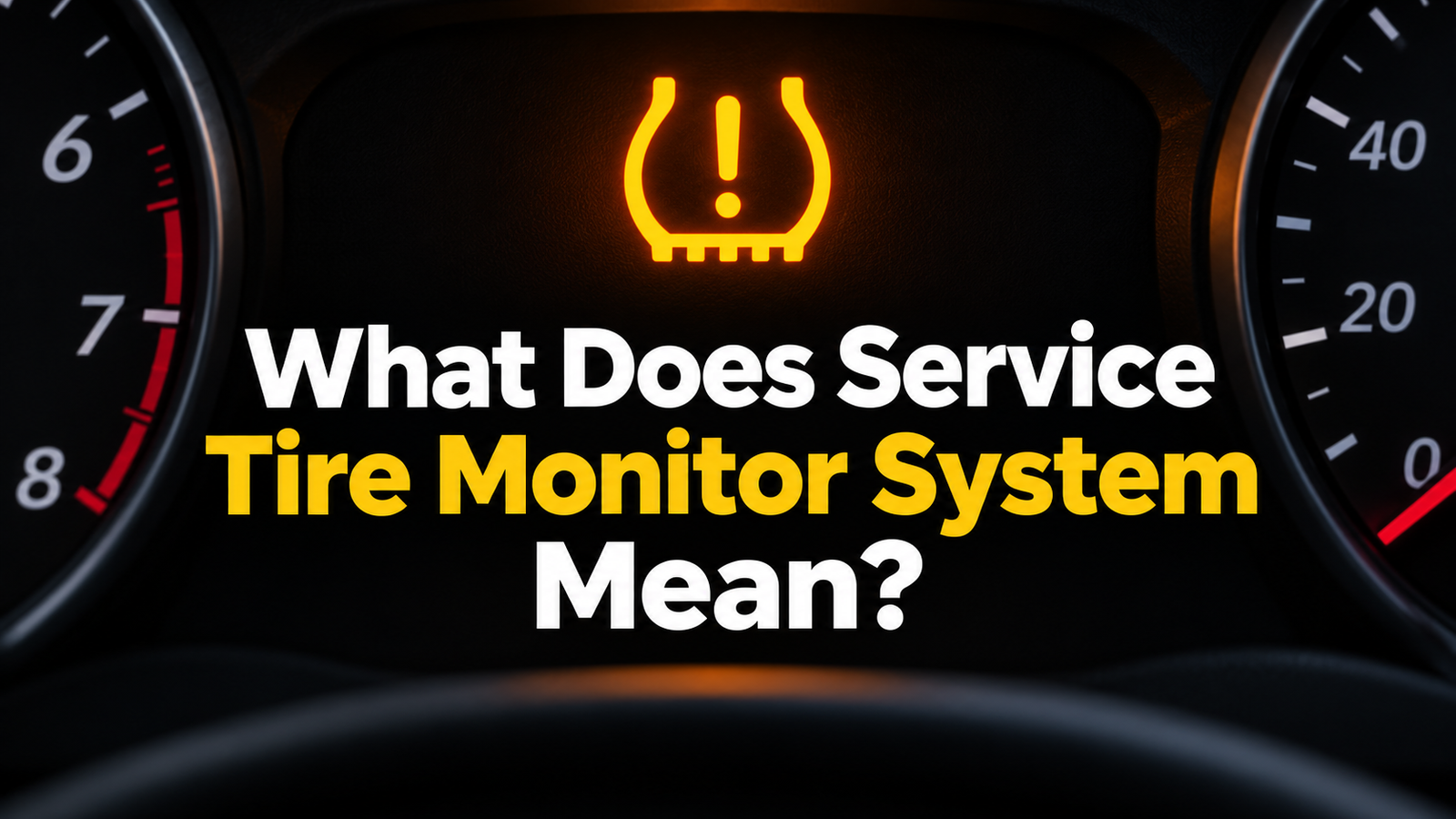
What does Service Tire Monitor System mean? It means your vehicle has detected a problem with its tire pressure monitoring system, or TPMS. A sensor may be missing, damaged, or unable to communicate with the car. Check all four tires with a pressure gauge first. If the pressure is correct and the message keeps coming back, have the system checked.
Take a photo of the message while parked. Check the cold pressure in all four tires against the driver’s door label. If the warning started after a tire rotation, wheel swap, or spare tire install, tell the shop. That timing can help it tell a sensor problem from a relearn the car still needs.
If “Service Tire Monitor System” popped up on my dash, I’d grab a gauge before buying a sensor or trying a reset. The message tells you the car may have trouble monitoring your tires. A gauge tells you whether a tire actually needs air.
If a tire is flat, has a bulge, or loses air fast, pull over as soon as you can safely do so. Use a suitable spare if you can fit it safely, or call roadside assistance. Wait until the tires are safe before trying a reset or relearn drive.
What Does “Service Tire Monitor System” Mean?
The message usually means the car has found a fault in its tire pressure monitoring system. On vehicles with sensors inside the wheels, each sensor sends a signal to the car. If the car can’t hear a sensor or doesn’t recognize its ID, it may show a service message or leave a blank where the pressure reading should be.
A low-pressure alert and a service message can show up at the same time. You could have a tire that needs air and a sensor that needs service. Check the tires with a gauge even if the car still shows readings for the other wheels.
| What you see | What it may mean | What to check first |
|---|---|---|
| Low tire pressure light stays on | One or more tires may be below the recommended pressure. | Measure all four tires and look for damage or a leak. |
| Service Tire Monitor System message | The vehicle detected a problem with pressure monitoring. | Check pressure by hand and note when the message first appeared. |
| Light flashes at startup, then stays on | The TPMS may have a fault. | Check tire pressure and arrange a TPMS inspection. |
| One wheel shows dashes instead of PSI | The dash may be waiting for an update or missing a sensor signal. | Use a gauge and note whether the reading stays blank after the normal update period in the manual. |
NHTSA’s TireWise guide says the TPMS light may flash for about 60 to 90 seconds before staying on when the system has a fault. Check your manual for the warning pattern your vehicle uses. A brief blink during startup or calibration can have a different meaning.
Why the Service Tire Monitor System Message Comes On
A wheel sensor has stopped sending a signal
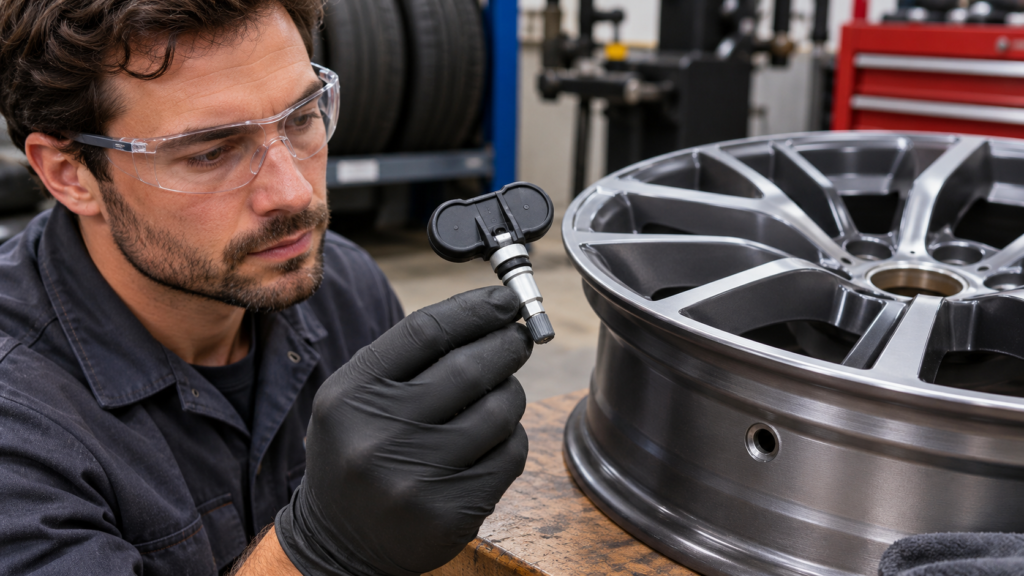
A wheel sensor can stop working as its battery wears out or if it gets damaged. If one pressure reading stays blank while the others come back normally, tell the shop which position the dash shows. Ask the tech to scan all four wheels before ordering a part. If the wheel positions weren’t updated after a rotation, the dash label can point to the wrong tire.
The car needs to learn a new sensor or wheel position
A relearn tells the car which sensor IDs to listen for. On some models, it also tells the car where each wheel is. If the warning started right after a wheel swap or sensor replacement, the installer can check whether the part matches the car and whether it was registered.
Some vehicles also call for matching sensor positions after a rotation. The 2025 Chevrolet Trax owner’s manual, for example, describes using a relearn tool to match sensors to wheel positions. Check the instructions for your own model and year before trying any sequence.
A spare or winter wheel set changed what the car can detect
Some spare wheels have no TPMS sensor. A winter wheel set can also have missing or incompatible sensors. If the warning started after you fitted a spare, check what your vehicle manual says about that warning. While the spare is installed, follow its speed and distance limits.
What to Do When You See the Warning
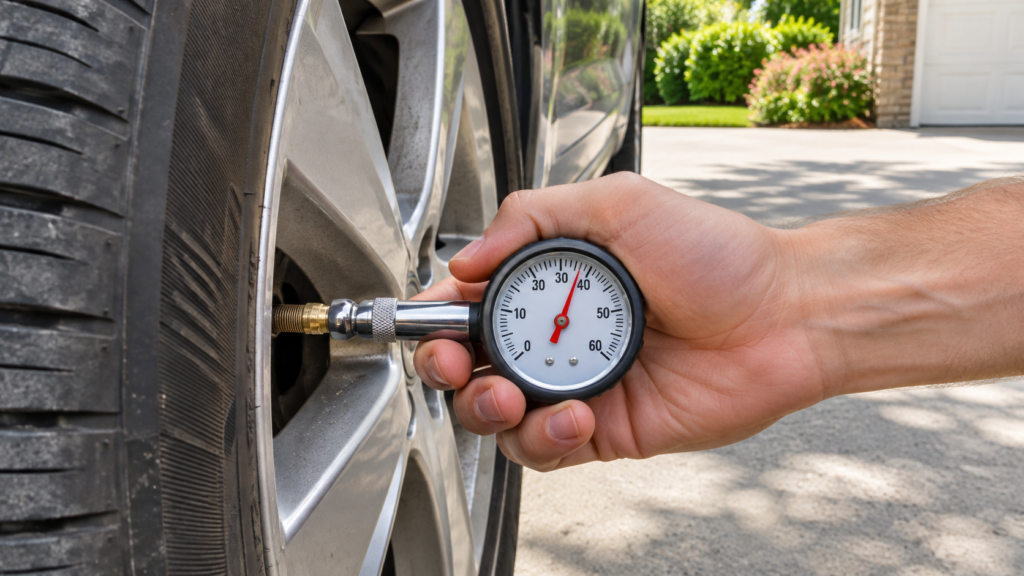
While parked, note the words on the dash, whether the light flashes, and which pressure readings are blank. If you’ve just had tire work done, save the receipt. It can show whether the shop rotated the wheels, fitted a spare, or changed a sensor.
Take a cold reading before driving or after the car has been parked for at least three hours. Use the recommended PSI on the vehicle’s tire pressure label or in the owner’s manual. The front and rear targets may differ. Use the vehicle’s target when adding air to a tire that’s safe to inflate.
Did the message appear after a rotation, a new set of wheels, or a flat tire? Tell the installer what changed. If nothing changed and the same reading keeps going blank, ask a tire shop to check whether each sensor responds.
Ask the shop how your vehicle confirms a successful relearn or repair. If your dash shows individual readings, check that they return and line up with the right wheel positions. If the message comes back, record when it happens and bring that detail to the shop.
Give the shop both sets of information: what your gauge showed and what the dash showed. “The right rear was at the door-label PSI, but the dash showed dashes” is a better starting point than “the tire light is on.”
Does It Need Air, a Relearn, or a New Sensor?
| Situation | What to investigate | Practical next step |
|---|---|---|
| The same tire keeps going low on a gauge | A puncture, valve leak, or leak where the tire seals to the wheel | Have the tire and wheel checked for leaks. Tell the shop if you drove on the tire while it was very low. |
| Pressure is correct and the warning started after new wheels went on | Sensor compatibility or registration | Ask the installer to verify the sensors and run any required relearn. |
| One reading is missing and no tire work was done | A failed sensor or a communication fault | Ask for a TPMS scan before approving a replacement. |
| The dash shows the wrong corner after a rotation | Wheel positions may need to be matched again. | Check your model’s rotation and relearn instructions. |
Say the warning came on after you put on winter wheels, but all four tires read the correct cold pressure. I’d ask the installer whether all four sensors respond and whether the car has learned their IDs. If a gauge shows that one tire is low again the next morning, I’d also ask for a leak check. Both problems can happen together.
Clearing a warning, matching sensor IDs, and fixing a leak are different jobs. If you’ve corrected the pressure and your manual calls for calibration, follow the tire pressure light reset steps for your vehicle.
Common Mistakes That Delay the Fix
- Buying a sensor based on the message alone. A scan can show whether a sensor responds and help the shop decide what to test next.
- Adding air until the light goes out. Use the pressure listed for the vehicle. If the system has a fault, more air won’t restore the missing signal.
- Resetting the light after every warning. If the same tire keeps going low, have it checked for a leak.
- Using a relearn sequence from a different model. Look up the steps for your year and model. Some vehicles need a tool.
- Relying on the dash while TPMS needs service. Use a gauge and stick to your regular tire pressure check schedule.
Key Takeaways
- “Service Tire Monitor System” points to a problem with pressure monitoring.
- Check all four cold tire pressures by hand before trying a reset.
- Tell the shop if the warning started after tire service or a wheel swap.
- Get repeat air loss checked for a leak and a persistent service message checked for a TPMS fault.
Frequently Asked Questions
What does “Service Tire Monitor System” mean?
It means the car has detected a problem with tire pressure monitoring. Check the tires with a gauge, then have the system checked if the message persists.
Can I drive with the Service Tire Monitor System message on?
Pull over somewhere safe and check the tires. If a tire is flat, damaged, or losing air fast, use a suitable spare or call for help. If the tires are in good condition and at the correct pressure, check your manual for guidance and arrange TPMS service promptly.
Can low air cause a tire monitor service message?
Low air normally triggers a low-pressure warning. A service message usually points to a monitoring fault. Both can occur at the same time, so check all four tires with a gauge.
Why did the message appear after a tire rotation?
Some vehicles need a relearn to match each sensor to its new wheel position. Ask the shop whether the vehicle requires one and whether all the sensors respond.
Will adding air clear the service message?
Correcting low pressure may clear a low-pressure alert after the system updates. If the service message persists with the correct pressure, have the monitoring system checked.
Do I need to replace all four TPMS sensors?
Ask the shop to scan each sensor first. The results can help you decide which sensors need replacement and whether the car needs a relearn.
Check the Tires, Then Check the System
I’d write down the cold pressure at each wheel and note what the dash does at startup. If the same tire keeps going low, ask for a leak check. If all four hold the right pressure and the service message comes back, take those readings to a tire shop and ask for a TPMS scan.